
How to choose a gaming monitor
Find your dream monitor with our handy guide
Choosing the right gaming monitor can make a bigger difference to your experience than almost any other upgrade. From ultra-smooth gameplay to sharp, detailed visuals, the monitor you pick directly affects how your games look and feel. With so many options available, it’s important to understand what actually matters, whether that’s resolution, refresh rate, or visual fidelity.
If you read our guide about choosing a graphics card, you’ll have a good idea of what resolution you’ll want to pick but you might need some advice on the different panel types available and which is best for your setup. In this guide, we’ll breakdown those key features helping you decide which option best suits your gaming style, budget and setup.

Panel types at a glance
OLED
IPS
VA
TN
How to choose a gaming monitor:
Best Competition Monitor
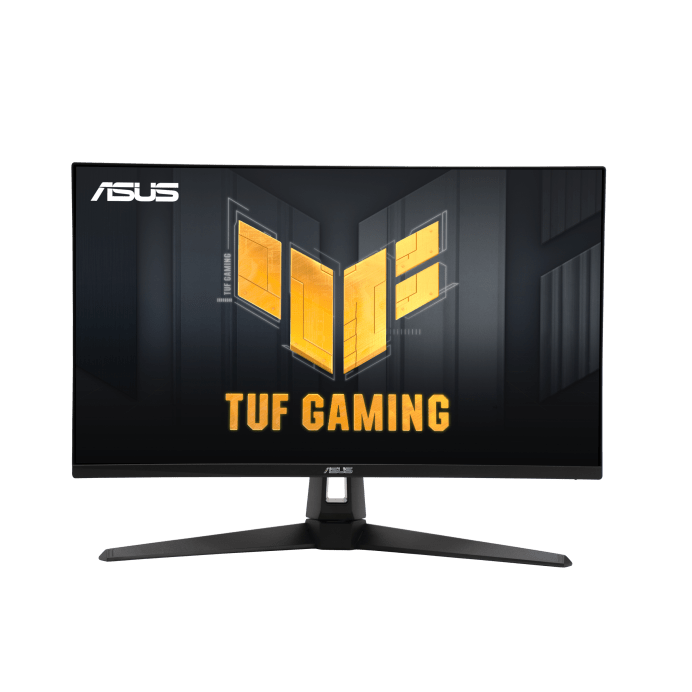
Asus TUF Gaming VG249QM1A
Refresh rate and response time are key for competitive play and the Asus TUF Gaming VG249QM1A monitor excels in both.
Boasting a refresh rate of 270Hz and a response time of 1ms, this G-Sync enabled monitor keeps latency and motion blur to a minimum, providing reliable performance even during the most intense action.
The fast IPS panel gives you the best of both IPS and TN technology; high refresh rates and low latency while maintaining incredible colour accuracy and superior brightness. Its 27″ size also makes it a great choice outside of competitive gaming environments.

How to choose a gaming monitor:
Best Budget Monitor
Cooler Master GM25FP
For under £100, you’ll find it hard to argue with some of the features in this 24.5″ Cooler Master monitor: FHD resolution with 180Hz refresh rate, 1ms response time and an IPS panel offering great colour accuracy and brightness, the Cooler Master GM25FP really is an exceptional “Bang for buck” option.
How to choose a gaming monitor:
Best All-Rounder
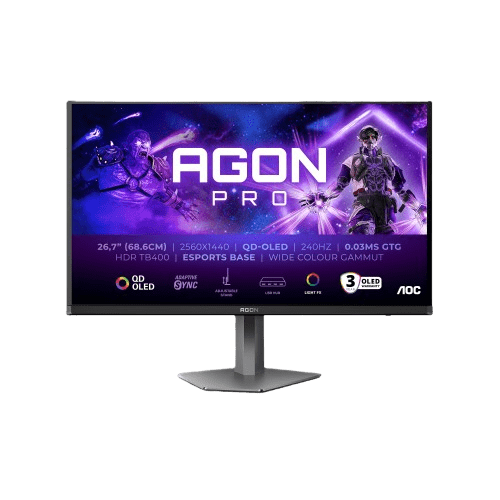
AOC AGON PRO AG276QZD2 OLED
The AOC AGON PRO AG276QZD2 offers stunning visual quality thanks to its QD-OLED panel, delivering deep blacks, vibrant colours, and excellent contrast that make games and media feel more lifelike.
Its 2560×1440 (QHD) resolution provides sharp detail without having to go to the extremes of 4K, making it a great balance for both performance and clarity.
It also excels in speed, with a 240Hz refresh rate and an ultra-fast 0.03ms response time for incredibly smooth, responsive gameplay. This monitor also supports Adaptive Sync and HDR to further enhance the experience, while feautres like the adjustable stand, USB hub, and burn-in warranty make it a well-rounded choice for both competitive gaming and everyday use.
How to choose a gaming monitor:
Best 4K monitor
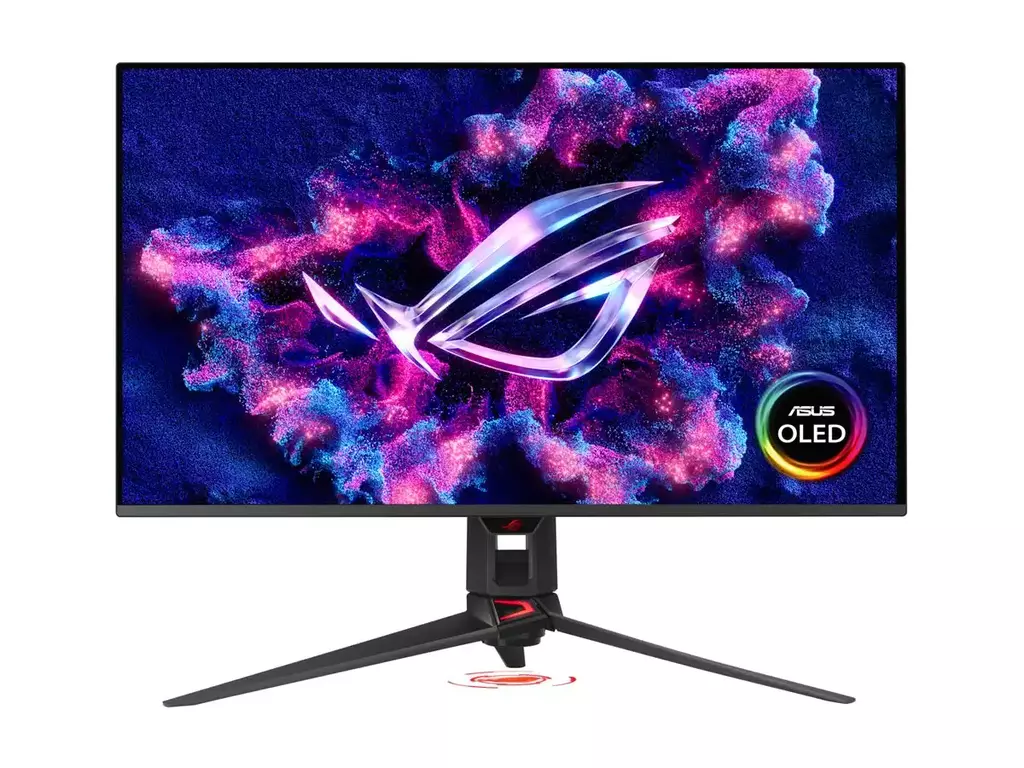
Asus ROG Swift PG32UCDMR OLED
The ASUS ROG Swift OLED PG32UCDM stands out for its exceptional visual performance, combining a 32-inch 4K QD-OLED panel with a blazing-fast 240Hz refresh rate. This means you get incredibly sharp detail alongside ultra-smooth motion, making it ideal for both immersive single-player games and competitive titles. The near-instant 0.03 ms response time eliminates motion blur, while OLED technology delivers true blacks and vibrant colours, resulting in a more lifelike and engaging viewing experience
Combined with modern connectivity options like HDMI 2.1, DisplayPort 2.1 and USB-C power delivery via the integrated USB hub, this monitor offers a well-rounded, future-proof setup for casual and competitive play.
How to choose a gaming monitor:
Not found what you’re looking for?
The above are some of our favourite picks, but if none of them hit quite the right note for you, try checking out some of the other screens in our range.