Posted on Leave a comment

Simple Laptop Buying Guide

Simple Laptop buying guide

Buying a Laptop for the New Term?

Choosing a laptop for the new school term can feel overwhelming; from different brands, specifications & price points, it’s easy to spend more than you need or end up with a device that isn’t suitable.

Whether you have a child starting secondary school, heading to college or going to university, our handy guide will help you understand what really matters for each scenario.

At a Glance: PC Specifications

CPU (Processor)

The brain of the system, it handles all tasks. You’ll typically want to go for an Intel Core series or AMD Ryzen for reliable performance.

RAM (Memory)

The “workspace” of your computer, the more you have, the more programs you can run without slowing down. You’ll want a minimum of 8GB

Storage

Where the laptop stores data after shutdown. The more you have, the more you can save locally. Aim for a minimum of 256GB.

Everyday School Work

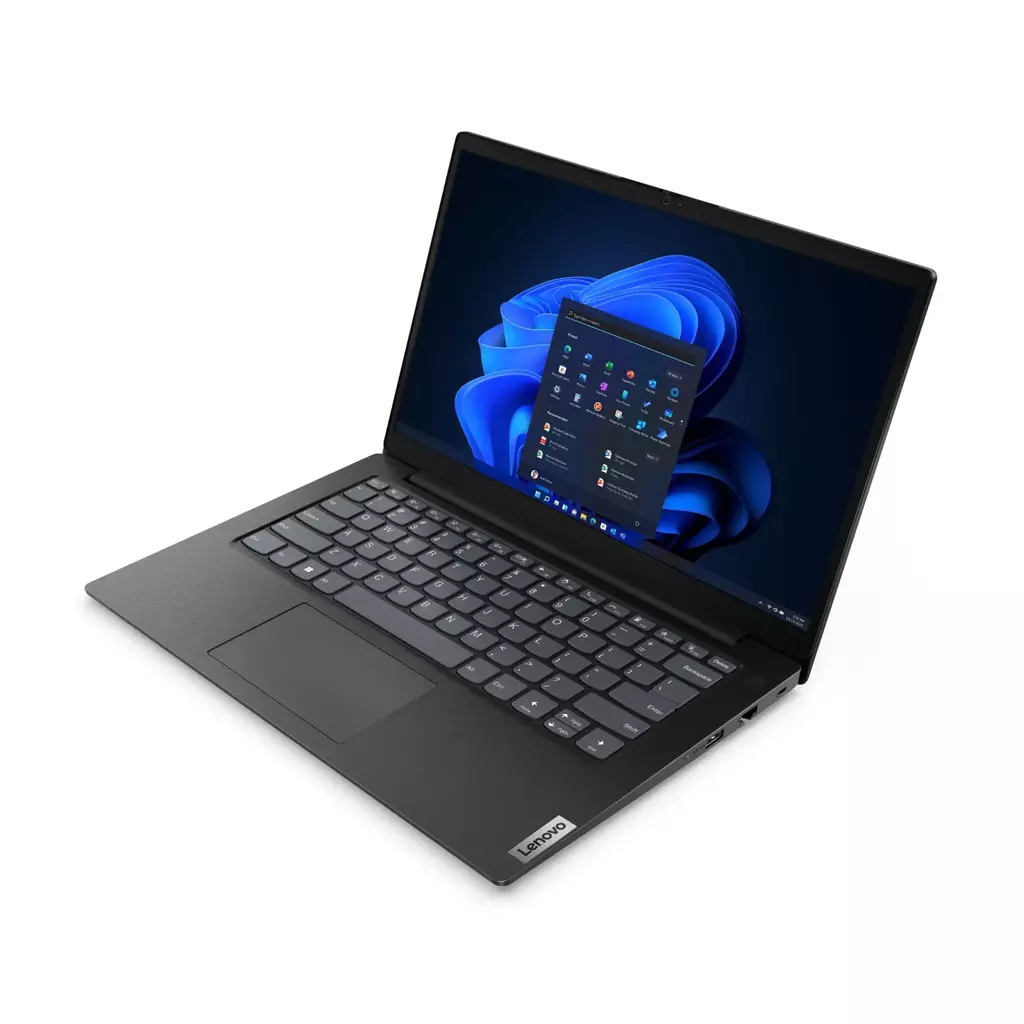
For web-browsing, homework, emails and document creation, an entry-level Windows laptop is often more than enough for these basic tasks.

Take our Lenovo V14 laptop for instance; it’s perfect for students on the go and provides a platform that can be used for multiple years so you won’t have to worry about it going out of date within critical schooling years
College Students

College students may need something a little more powerful for researching, multi-tasking and completing coursework.

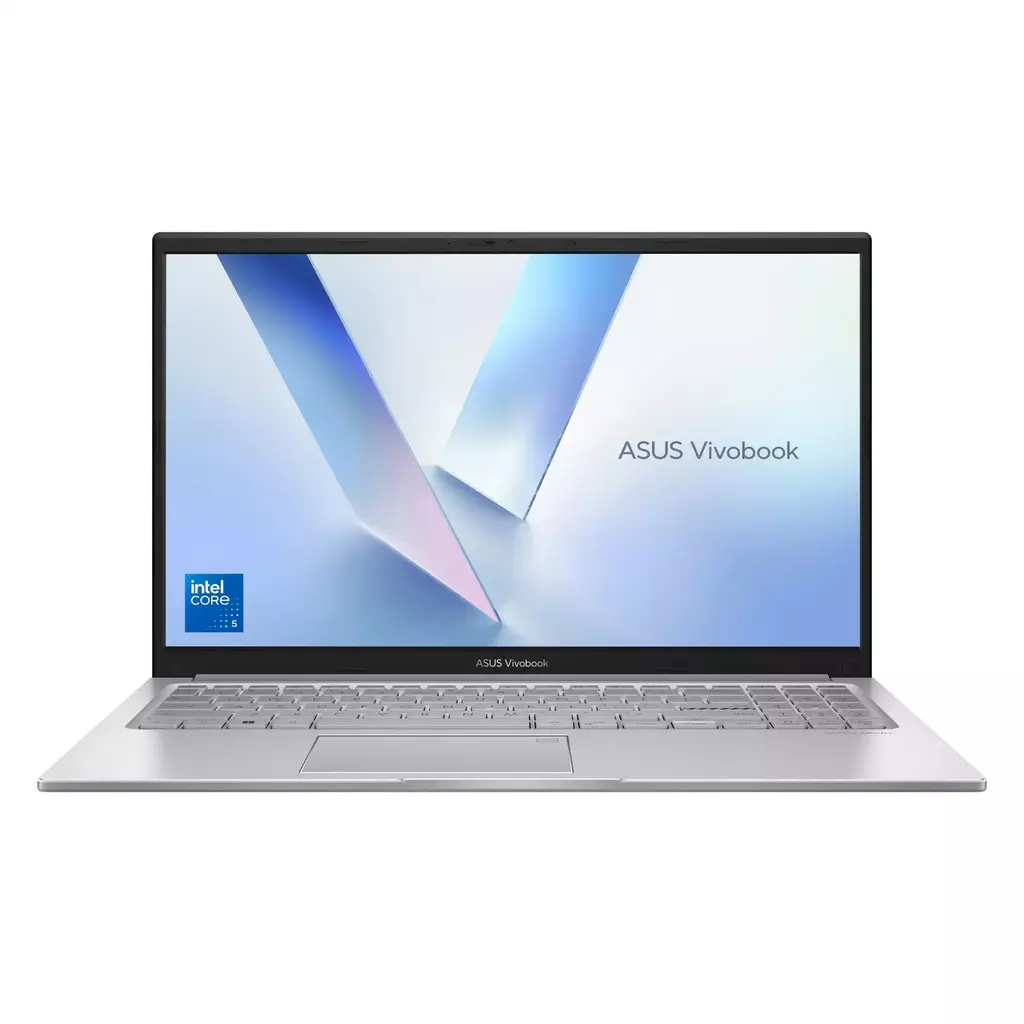
For this scenario, we’d normally recommend something with a better CPU alongside some extra RAM and storage, like one of our Asus VivoBook laptops.

Equipped with an Intel Core 5 120U processor, 16GB of RAM and a 512GB SSD, you’ll be able to handle multiple workflows with ease.

University Students

Laptop requirements can vary depending on the course you’re studying; some engineering degrees may require simulation or CAD software, whereas a degree focusing on linguistics or literature is probably going to focus more heavily on report writing with little to no mathematics, modelling, etc.

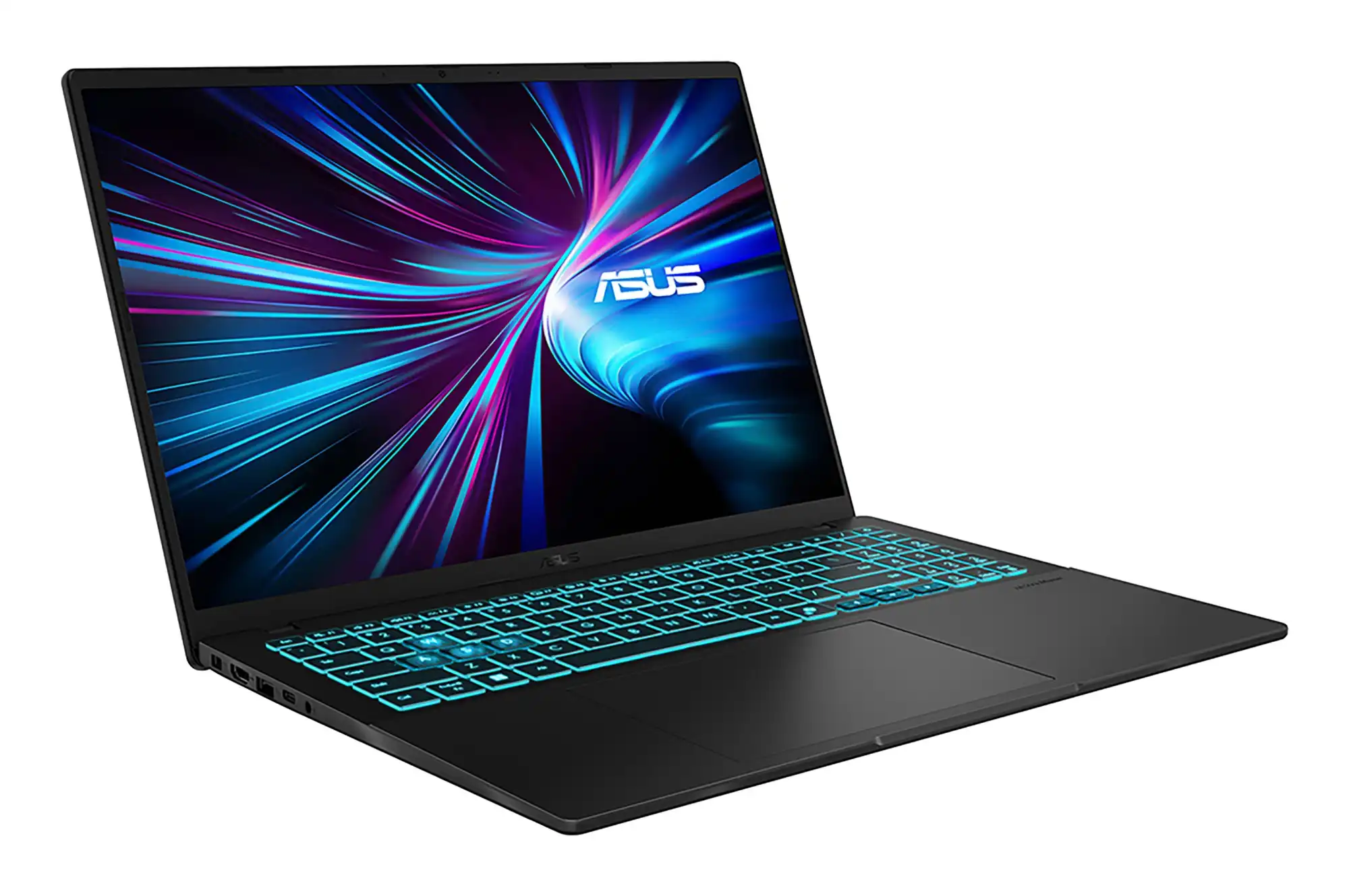
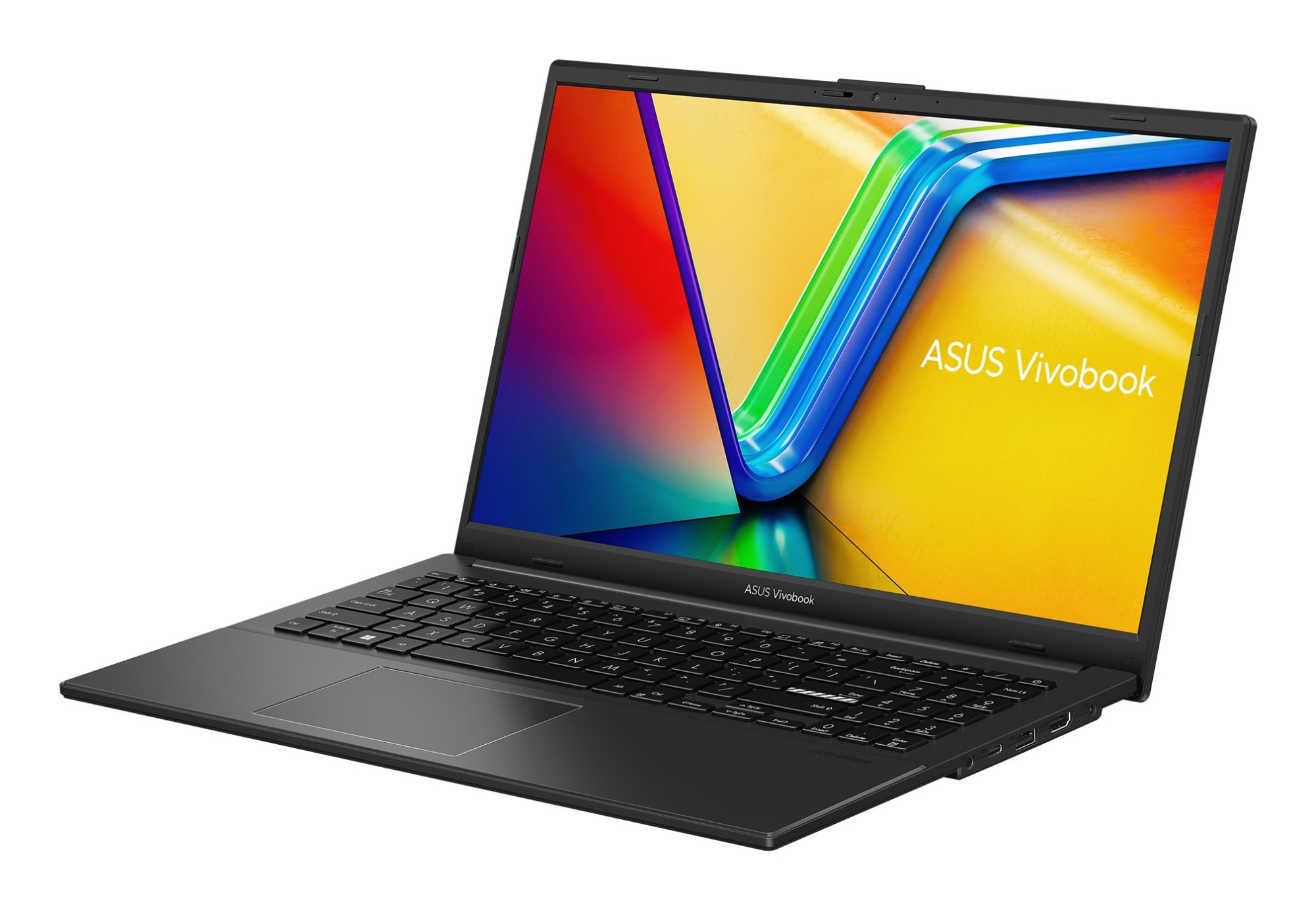
If your course focuses on report writing, our Asus VivoBook above is a great choice. For those who might need some extra processing and graphics power to run CAD or 3D software, we’d recommend looking at gaming / creator laptops with dedicated graphics like the Asus V3607VH as a starting point.
Posted on Leave a comment

Back to School Essentials

Back to School Essentials

Get the most out of your studies with advice from your local experts

Whether you’re just starting school for the first time or returning to further education after a break, having the right tech makes all the difference. At Creative Computing, we’ve got everything IT related covered: from reliable laptops with stylish bags to critical software like Microsoft Office and Norton anti-virus to stay productive and safe online throughout your studies.

Find the Perfect Laptop

Whether you’re writing essays, attending online lessons or editing creative work, we have a wide range of laptops suitable for every student.

From Windows based laptops to the new Apple MacBook Neo, we’ve got options for all scenarios. We also supply refurbished laptops as well, for those looking for a cheaper, eco-friendly upgrade.

Why buy from us?

  • Expert local advice
  • Competitive prices
  • Device setup available
  • Ongoing local tech support

Protect your new PC

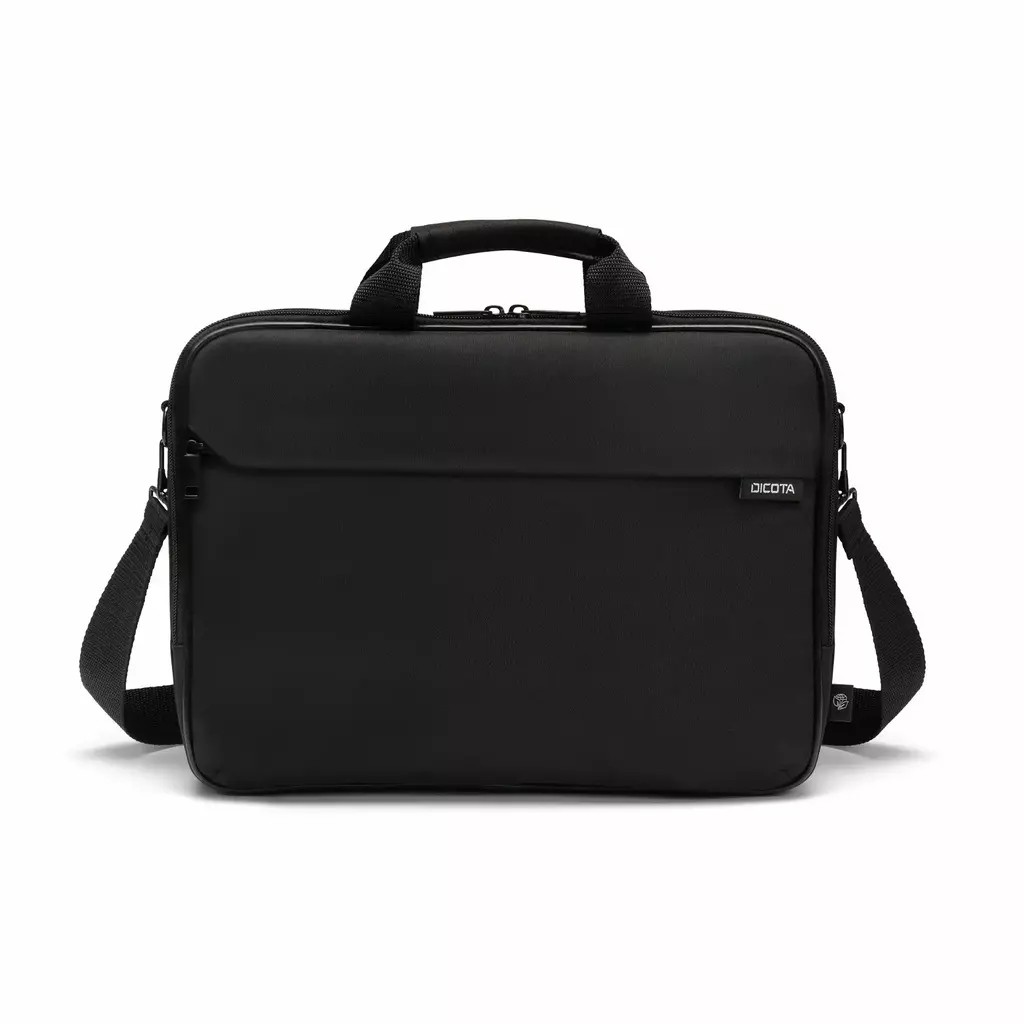
A quality laptop deserves a quality bag. Our range of laptop cases and covers offer protection, comfort and plenty of space to store books, chargers and other accessories.

So whether your travelling to school by bus or train or need somewhere to store all your equipment throughout the day, you’re best to invest in a quality bag.

Features

  • Protective padded compartments
  • Lightweight designs
  • Multiple storage pockets
  • Sizes for 14″, 15″ and 17″ laptops
  • Stylish and practical options

Stay Safe & Productive

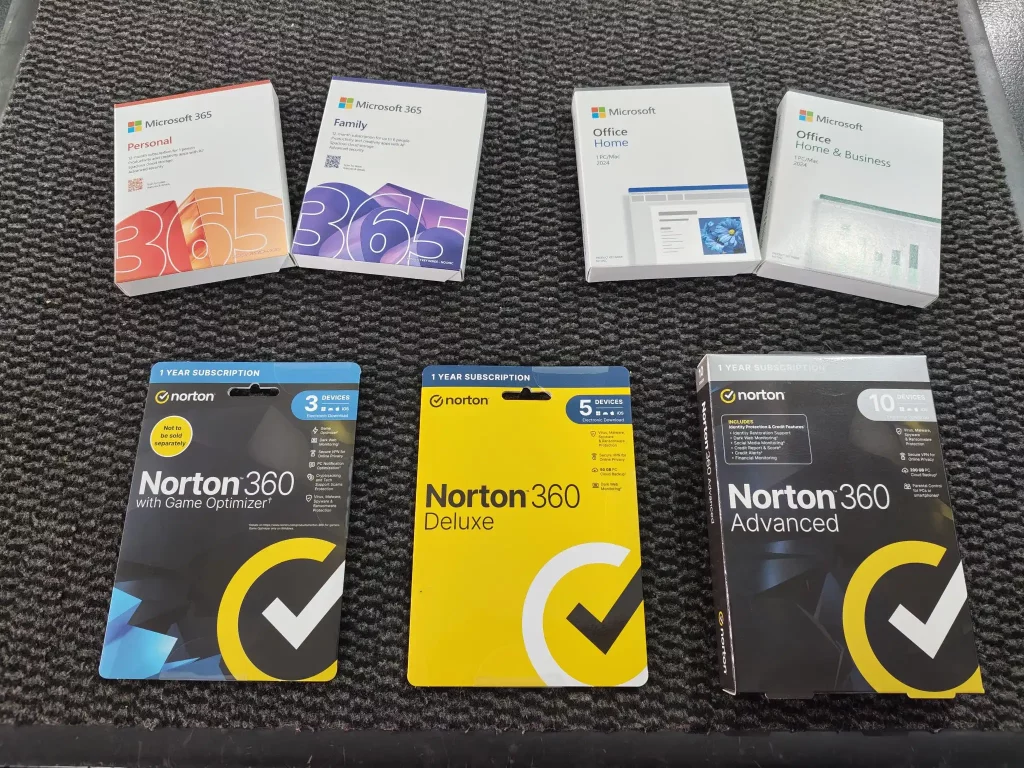
We offer a range of Microsoft Office packages alongside comprehensive online security in the form of Norton.

From homework to coursework, spreadsheets to presentations, Microsoft Office provides the essential applications you’ll rely on every day during term time. With options for multiple devices to one-off purchases, you’re in control when it comes to your package of choice.

And why not bundle your new office software with award-winning anti-virus protection from Norton. take advantage of some of its features like real-time protection, secure browsing, password management, cloud backup and built-in VPN.

Not sure what you might need? Give us a call or come down to the store and speak to a member of our sales team!

Posted on Leave a comment

Shop Ducky Keyboards: Premium Mechanical Keyboards Now Available

Premium Mechanical Keyboards

Performance Driven – Work or Play

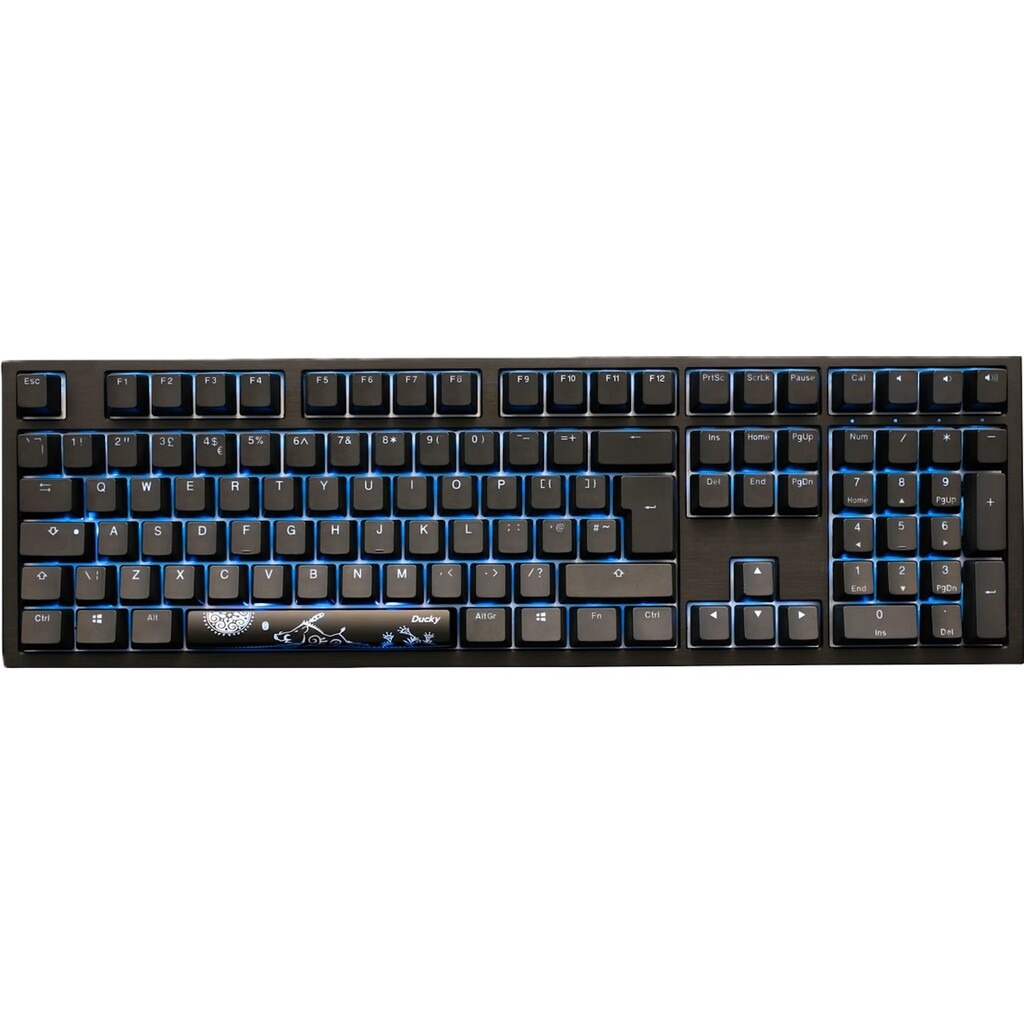
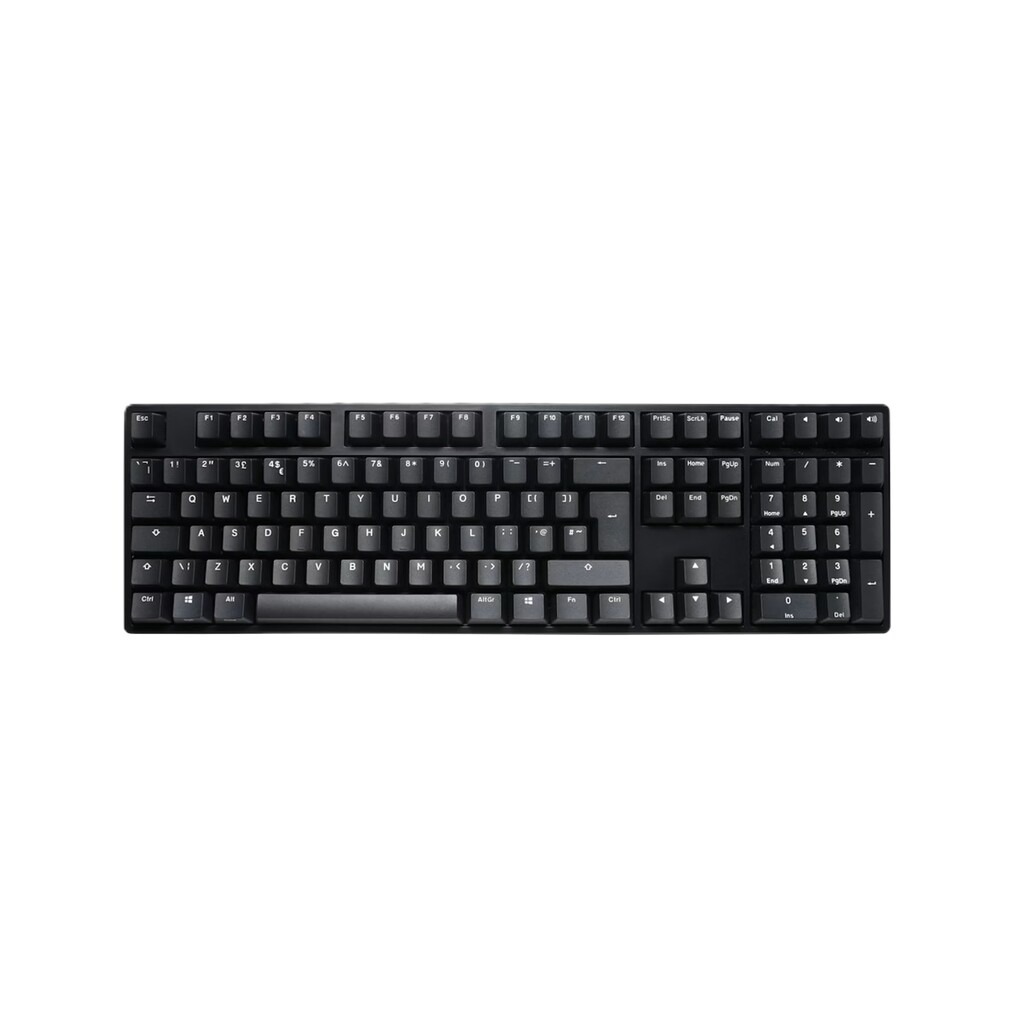
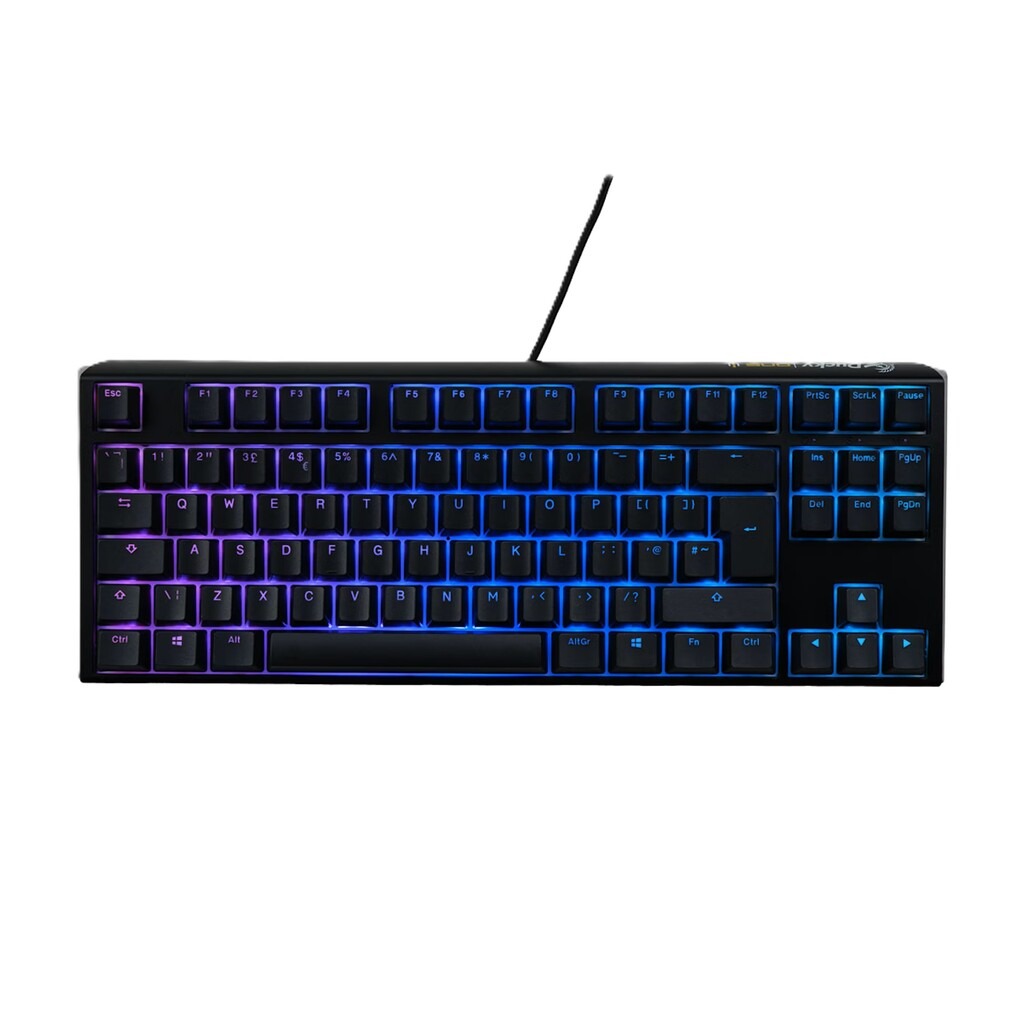
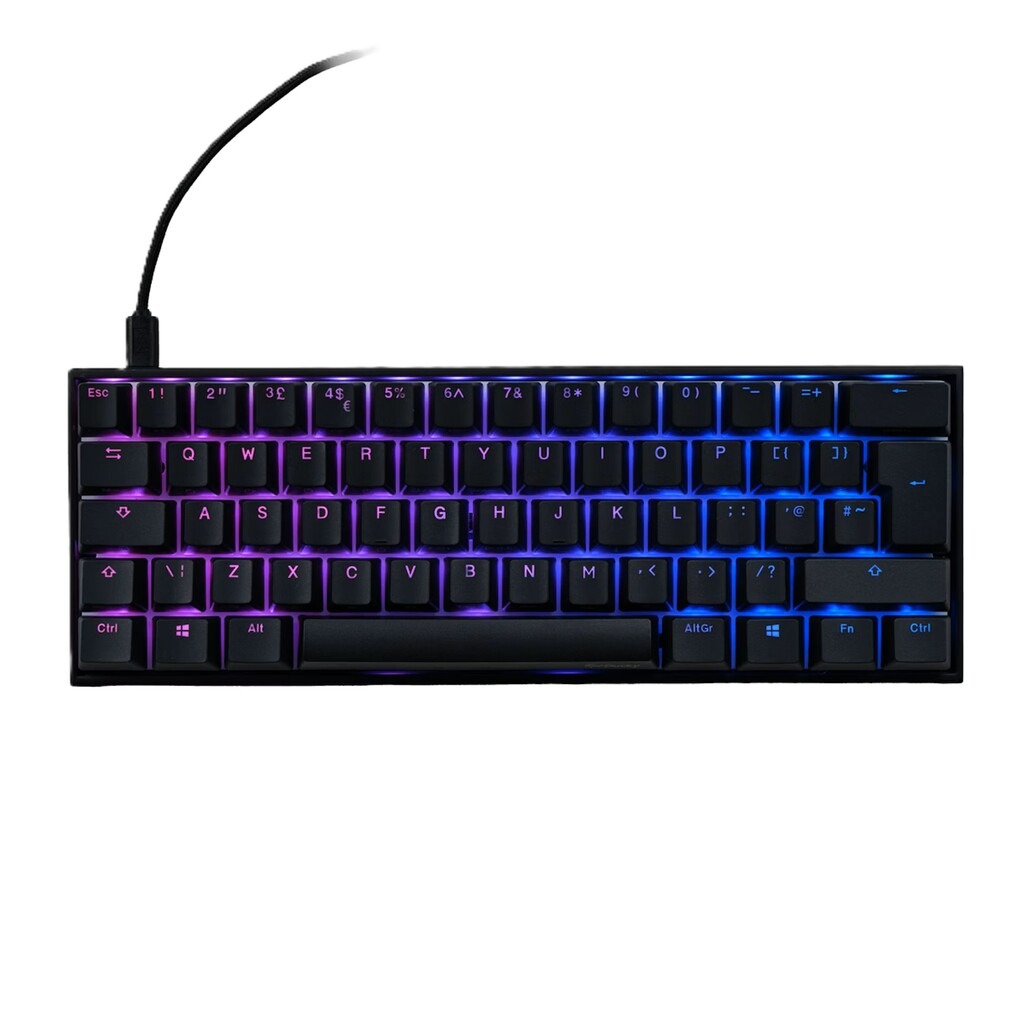
Designed to meet the demands of gamers and professionals alike, Ducky mechanical keyboards are renowned the world over.

Enrich your typing experience with satisfying tactile keystrokes or beat the competition with super-fast switches that make your games feel more responsive.

Ducky keyboards come with a host of great features such as double shot PBT keycaps, adjustable feet, detachable USB cable and most importantly, Cherry MX switches for best-in-class performance.

Shop Ducky Keyboards

Explore what makes Ducky worth your desk space.

Cherry MX Switches – The Gold Standard

Ducky keyboards make use of industry leading Cherry MX Switches, a choice that reflects a focus on reliability and proven performance. Among the most widely used mechanical switch design and valued for their consistent actuation and long lifespan, Cherry MX switches are rated for tens of millions of keystrokes without degrading the feel or accuracy.

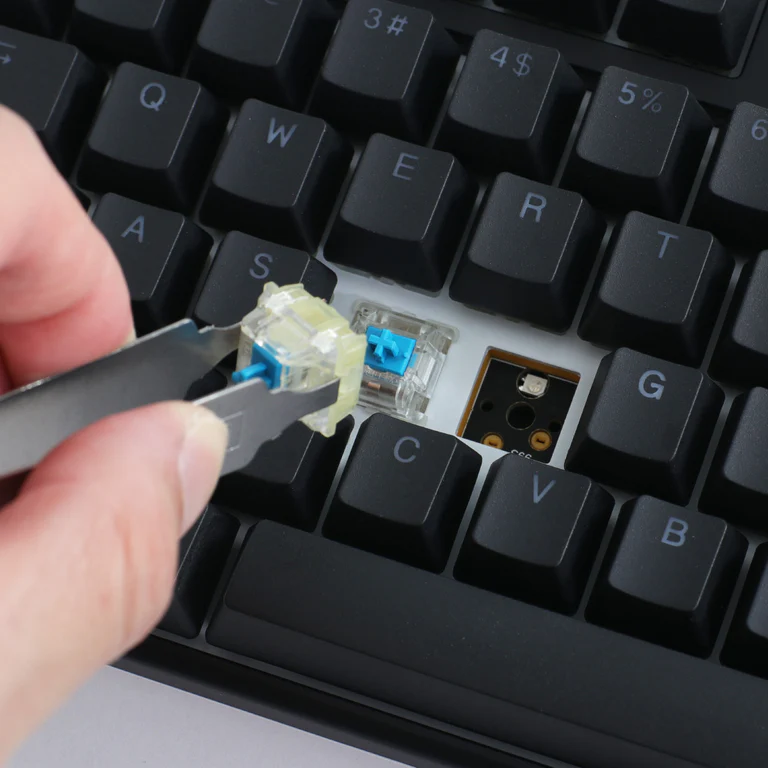
Cherry MX switches come in different “colours” which define characteristics of the key; red and black tend to feel linear and offer quicker actuation making them great for gaming whereas brown and blue offer more of a tactile “bump” response with greater actuation force required to register a keystroke – particularly pleasant for long typing sessions. Some Ducky keyboards even have hot-pluggable switches so you can change the feel of your keyboard without replacing it!

True PBT Double Shot Keycaps

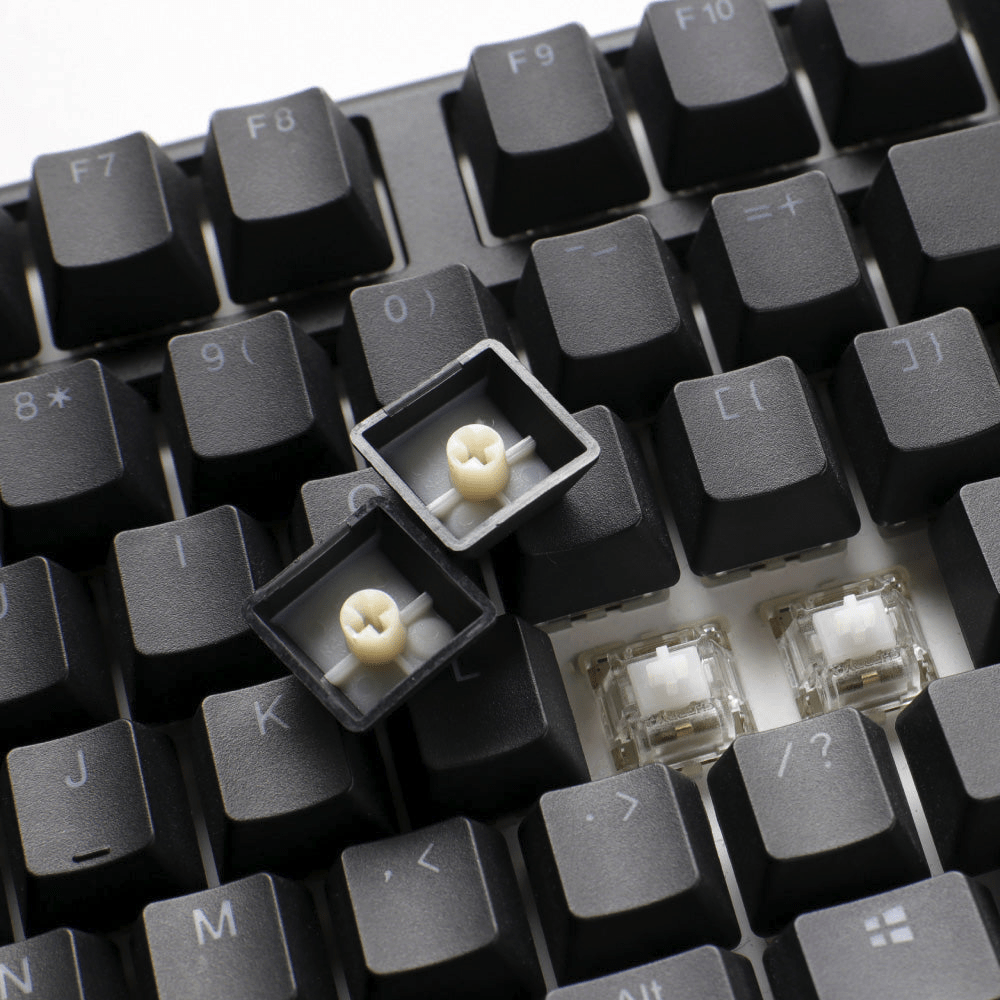
The seamless legends are formed through a double-shot technique where two plastics are molded together, allowing characters to never fade away even after multiple years of use.

Finished with a frosted surface, you can take control with confidence. These keycaps are shine and stain resistant, made for fast movements and non-stop use, all while maintaining their original look.

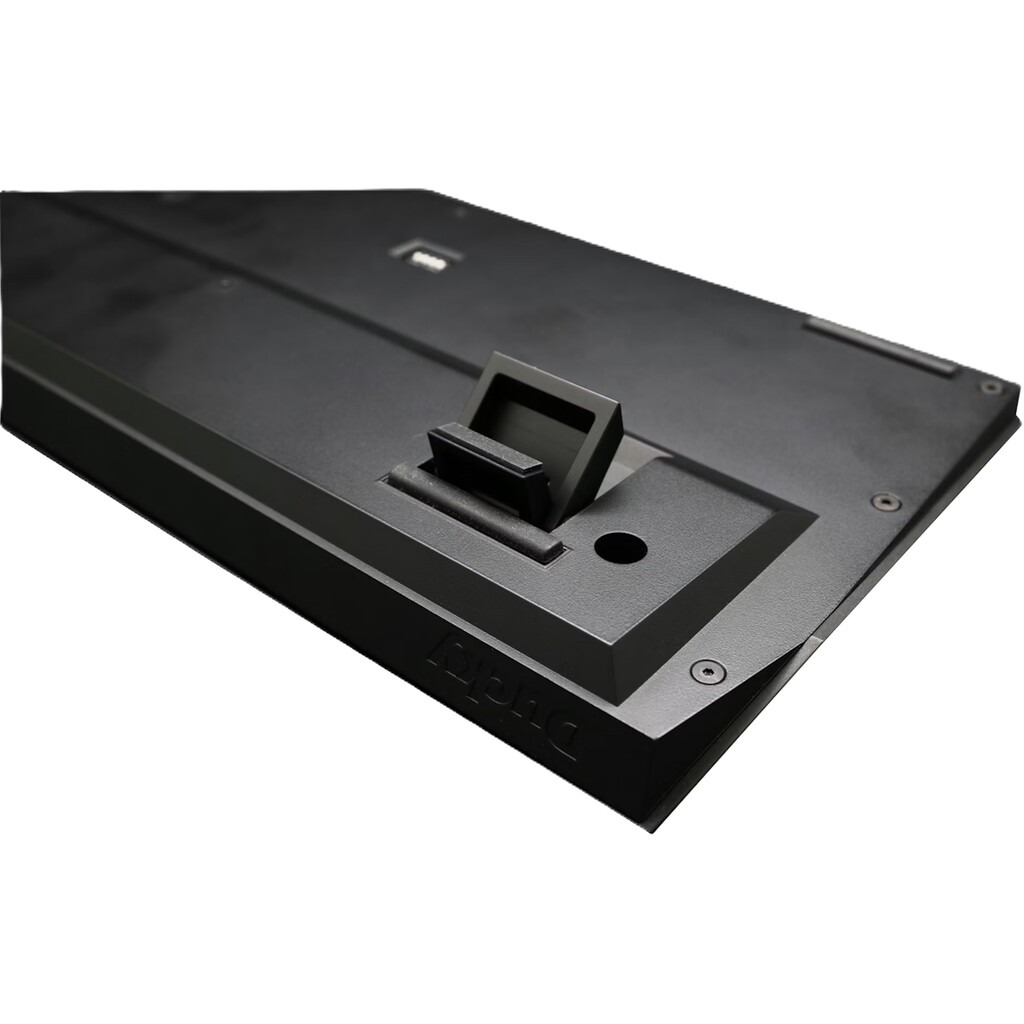
Three Keyboard Angles

Find your best angle with this 3-stage setup. Ducky’s small attention to detail in their three-stage adjustable feet makes a noticeable difference in everyday use.

Unlike other brands which offer just a single flip-out leg, Ducky keyboards offer two levels of extension, giving you three typing angles: flat, moderately raised, and steep for greater control to fine-tune the keyboard’s tilt depending on your desk height, wrist position, or personal comfort preference.

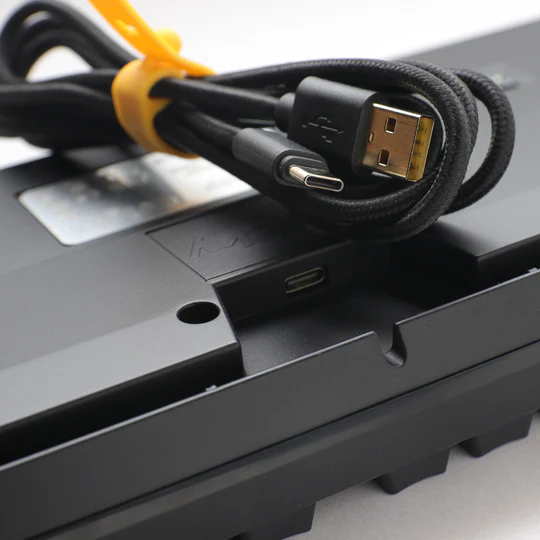
Detachable USB Cable

It’s one of those practical design choices that quickly proves its value. Instead of a fixed cable, you can unplug and swap it out as needed, whether that’s for easier transport, replacing a damaged cable, or simply choosing a custom cable that matches your setup.

Beyond convenience, the detachable design adds a layer of longevity and flexibility. Cables are one of the most common failure points on peripherals, so being able to replace one without opening the keyboard is a big plus. It also makes packing the keyboard safer, since there’s no permanently attached cable to bend or strain.

Posted on Leave a comment

Best Budget Gaming Chairs

Best Budget Gaming Chairs

Find the best seat in the house with our budget-friendly gaming chairs!

For years, budget gaming chairs were synonymous with “cheap and uncomfortable” but over the past few years, that’s changed. Balancing comfort, durable materials and ergonomic support, budget gaming chairs are more accessible and comfortable than ever before and our current lineup proves it.

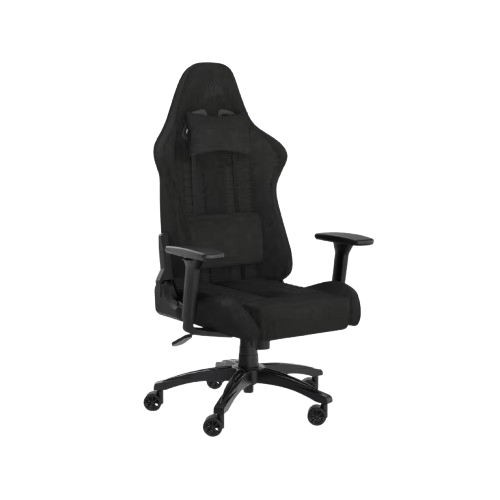
Corsair TC100 Relaxed

The Corsair TC100 features a wide, comfortable frame, prioritising exceptional value and everyday usability. From a trusted brand who have been manufacturing PC peripherals and hardware for decades, the Corsair TC100 is exactly what an entry-level chair should be; simple and comfortable.

The height adjustable armrests, wider seat base and included neck and lumbar support pillows make it perfect for long sessions and for users of varying size.

Shop Corsair TC100 Chairs

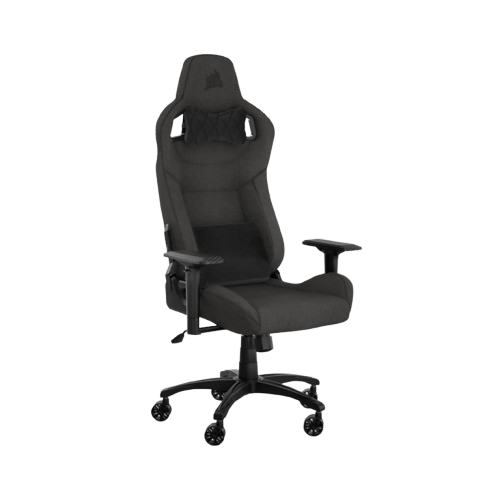
Corsair T3 Rush

The T3 Rush improves upon the TC100 in every way; more adjustability, sturdier frame, premium fabric and a higher quality gas lift and recline system.

This is where Corsair also tightens up its build quality; compared to the TC100, the T3 Rush feels more durable and supportive over long-term use, so if you’re working by day and gaming by night, the T3 Rush makes an excellent case for itself.

Shop Corsair T3 Rush

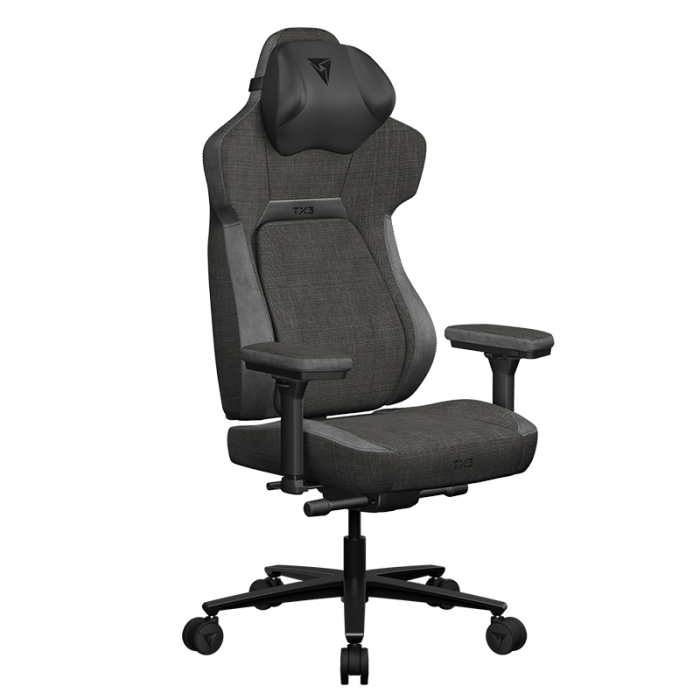
ThunderX3 Core – Fabric

Like the Corsair T3 Rush, the ThunderX3 Core starts to enter the premium gaming / office chair space with a design-led ergonomic chair that offers superb lumbar support and premium styling.

The chair looks and feels more contemporary; the TX3 Core is a chair that wouldn’t look out of place in a modern office environment and it features lumbar and posture support rivalling chairs outside its price category. The back support moves with you and maintains comfort throughout the day alongside the height adjustable armrests which can rotate freely as you find your optimal seated position.

Shop TX3 Core

Posted on Leave a comment

How to choose a gaming monitor

How to choose a gaming monitor

Find your dream monitor with our handy guide

Choosing the right gaming monitor can make a bigger difference to your experience than almost any other upgrade. From ultra-smooth gameplay to sharp, detailed visuals, the monitor you pick directly affects how your games look and feel. With so many options available, it’s important to understand what actually matters, whether that’s resolution, refresh rate, or visual fidelity.

If you read our guide about choosing a graphics card, you’ll have a good idea of what resolution you’ll want to pick but you might need some advice on the different panel types available and which is best for your setup. In this guide, we’ll breakdown those key features helping you decide which option best suits your gaming style, budget and setup.

how to choose a gaming monitor

Panel types at a glance

OLED

  • Vibrant Colours
  • Superior blacks
  • No backlight bleed
  • Risk of burn-in
  • Reduced brightness

IPS

  • Best colour accuracy
  • Superior brightness
  • Wide viewing angles
  • Backlight bleed
  • Inferior contrast

VA

  • Good contrast levels
  • Good colour accuracy
  • Cost effective
  • Image ghosting
  • VRR flicker

TN

  • Fast response time
  • Fastest refresh rate
  • Generally very cheap
  • Poor viewing angles
  • Poor colours

Best Competition Monitor
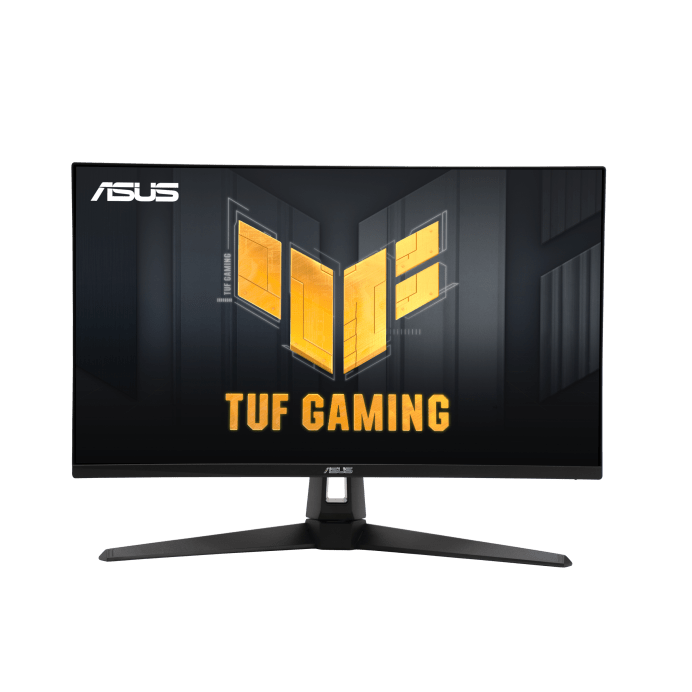
Asus TUF Gaming VG249QM1A

Refresh rate and response time are key for competitive play and the Asus TUF Gaming VG249QM1A monitor excels in both.

Boasting a refresh rate of 270Hz and a response time of 1ms, this G-Sync enabled monitor keeps latency and motion blur to a minimum, providing reliable performance even during the most intense action.

Shop Asus TUF Gaming VG249QM1A

Best Budget Monitor
Cooler Master GM25FP

For under £100, you’ll find it hard to argue with some of the features in this 24.5″ Cooler Master monitor: FHD resolution with 180Hz refresh rate, 1ms response time and an IPS panel offering great colour accuracy and brightness, the Cooler Master GM25FP really is an exceptional “Bang for buck” option.

Explore Cooler Master GM25FP

Best All-Rounder
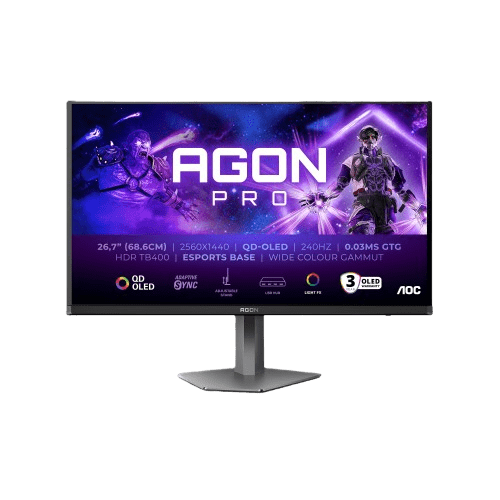
AOC AGON PRO AG276QZD2 OLED

Discover AOC AG276QZD2 OLED

Best 4K monitor
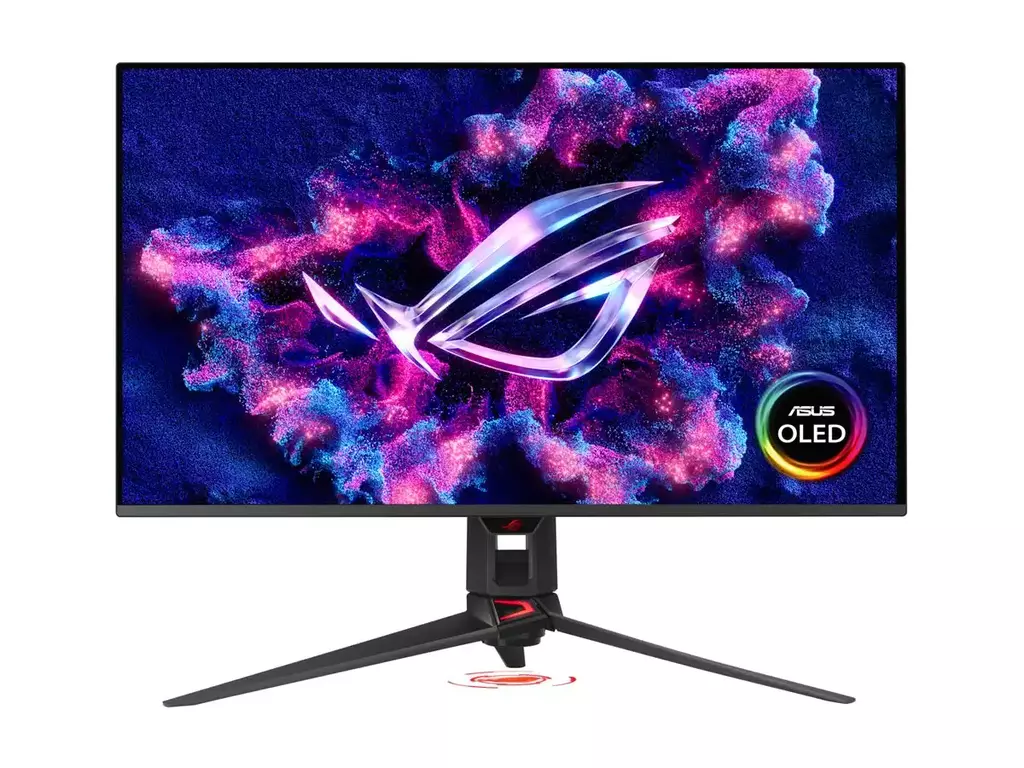
Asus ROG Swift PG32UCDMR OLED

The ASUS ROG Swift OLED PG32UCDM stands out for its exceptional visual performance, combining a 32-inch 4K QD-OLED panel with a blazing-fast 240Hz refresh rate. This means you get incredibly sharp detail alongside ultra-smooth motion, making it ideal for both immersive single-player games and competitive titles. The near-instant 0.03 ms response time eliminates motion blur, while OLED technology delivers true blacks and vibrant colours, resulting in a more lifelike and engaging viewing experience

Browse Asus PG32UCDMR OLED

Not found what you’re looking for?

The above are some of our favourite picks, but if none of them hit quite the right note for you, try checking out some of the other screens in our range.

Our Full Monitor Range